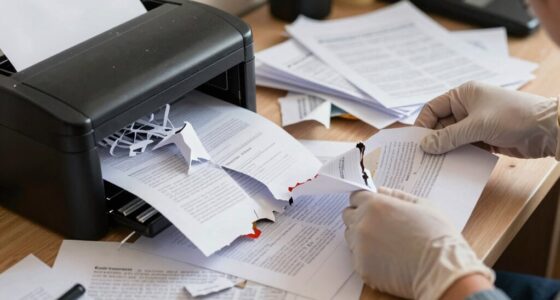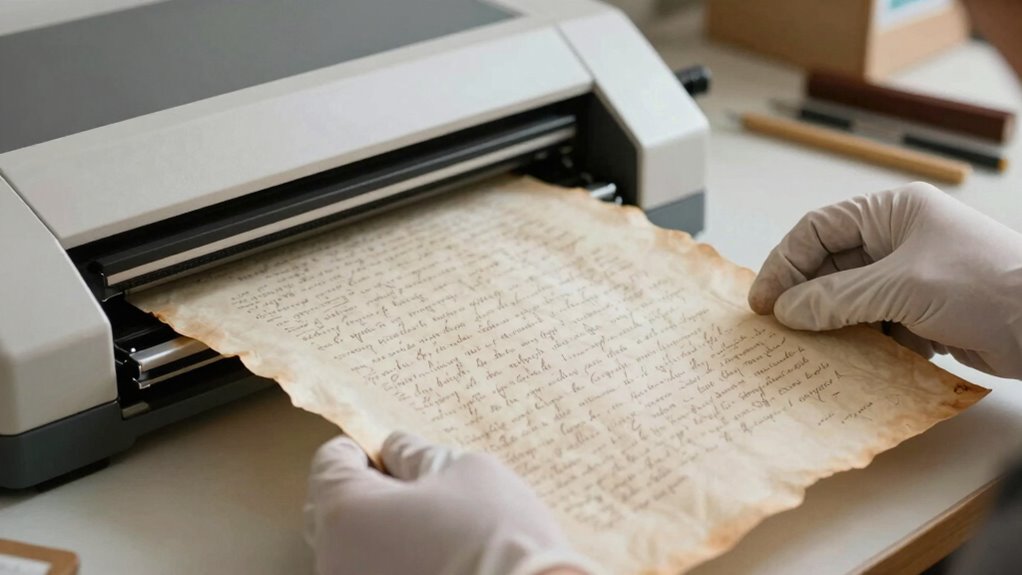

To scan fragile documents safely, start by evaluating their condition to identify tears, brittleness, or stains, and support weak areas with acid-free tissue. Handle them gently, avoiding force, and use archival-quality folders for storage. When scanning, choose a flatbed scanner set between 300-600 dpi, and apply gentle pressure. Prioritize saving files in long-term formats like TIFF or PDF/A, then back them up securely. Proper handling and storage protect your items, and there’s more to contemplate for complete preservation.

Get home office essentials delivered free with Prime
- Fast, free delivery on millions of items
- Prime Video, Amazon Music and more included
- Member-only deals all year
Key Takeaways
- Prioritize digitizing irreplaceable or highly valuable documents to reduce physical handling and risk of damage.
- Support fragile areas with acid-free tissue before scanning to prevent tears and further deterioration.
- Use gentle handling techniques and appropriate equipment, such as a flatbed scanner, to minimize stress on delicate items.
- Store physical copies in archival-quality materials and controlled environments to prolong their lifespan post-digitization.
- Regularly back up digital files in accessible, long-term formats like TIFF or PDF/A for secure preservation.
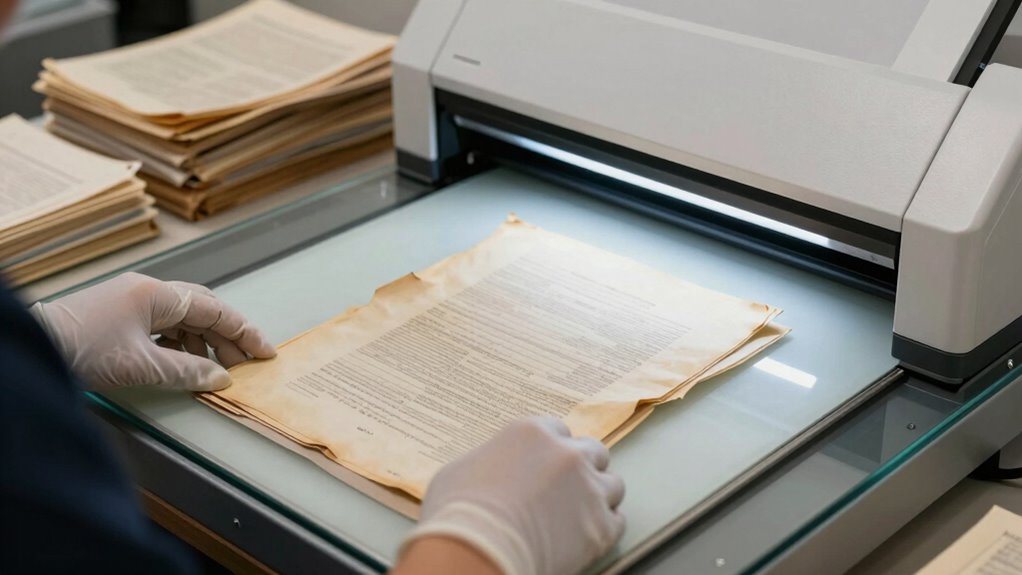
When dealing with fragile documents, taking extra care during scanning is essential to prevent damage. These materials often hold historical, legal, or personal significance, so preserving their integrity matters deeply. Your goal should be to create high-quality digital copies that support long-term digital preservation and allow access without risking further deterioration. To achieve this, you need to understand basic archival techniques, which help you handle delicate items properly and ensure they’re scanned safely. Using proper techniques minimizes physical stress on fragile documents, avoiding tears, smudges, or other damage that could compromise their value.
Start by assessing the condition of each document. Look for tears, brittle sections, stains, or any signs of fragility. Handle each carefully, supporting weak areas with acid-free tissue or other suitable materials. When preparing to scan, consider using a flatbed scanner with a glass surface designed to accommodate delicate pages. If a document is too fragile for standard scanning, you might opt for a high-resolution digital camera setup, ensuring minimal contact and stress. During the scanning process, set the device resolution appropriately—usually 300 to 600 dpi—to balance image quality with file size and processing time. This ensures you capture enough detail for future analysis or reproduction without unnecessary strain on the document.
Assess fragile documents carefully, support weak areas, and choose appropriate scanning methods to preserve their integrity.
If you’re dealing with multiple documents, organize them in a way that facilitates gentle handling and efficient scanning. Use archival-quality folders or sleeves to protect the items before and after scanning. When placing documents on the scanner, do so carefully, avoiding the use of excessive force, and never force a document if it resists. Gentle, even pressure helps prevent tears or further damage. Remember, your aim is not just to digitize but to do so in a manner that supports digital preservation efforts, maintaining the original’s authenticity and condition. Proper handling techniques are fundamental to ensuring the longevity of fragile items during the digitization process. Additionally, learning about conservation methods can help you identify when professional intervention is necessary for particularly delicate or valuable items.
Once scanned, store both the physical and digital copies with care. Digital files should be backed up regularly and stored in formats that ensure long-term accessibility, such as TIFF or PDF/A. For physical documents, use archival-quality storage materials and keep them in a controlled environment that minimizes exposure to light, humidity, and temperature fluctuations. When deciding what to keep, protect, or destroy, prioritize items that are irreplaceable or hold significant value. Fragile documents that can be accurately digitized and stored digitally may no longer need to be kept in their original form, freeing up space for items that require physical preservation. Additionally, understanding archival techniques can help you make informed decisions about how best to care for and manage your delicate items.
In all cases, your approach should align with archival techniques that emphasize both careful handling and the creation of durable digital copies. This way, you ensure your fragile documents are preserved for future generations without risking their current condition. Moreover, familiarizing yourself with digital preservation strategies can further enhance your efforts to safeguard these valuable items.
archival-quality document folders
As an affiliate, we earn on qualifying purchases.
As an affiliate, we earn on qualifying purchases.
Frequently Asked Questions
What Equipment Is Best for Scanning Fragile Documents?
You need a flatbed scanner or a specialized archival scanner for fragile documents. These devices gently handle delicate papers, preventing tears and damage. Use a scanner with high resolution to guarantee clear digitization. After scanning, store your original documents in acid-free storage to preserve their integrity. Proper equipment and paper preservation techniques help protect your fragile documents, ensuring they remain intact while you create digital copies safely.
How Do I Handle Extremely Brittle Papers Safely?
Think of handling extremely brittle papers as delicate dance with history. You handle moisture sensitive, acid free materials gently, supporting each edge like a fragile heartbeat. Use tweezers or a spatula to lift pages, avoiding direct contact. Keep the paper flat and avoid bending or tearing. Carefully place it on a cushioned, dry surface, like cradling a fragile treasure, ensuring its preservation while scanning.
Can Digital Copies Replace Original Documents Entirely?
Digital copies can often replace original documents for everyday use, but they shouldn’t fully replace originals in every case. You should consider digital authentication to verify the copies’ legitimacy and store them securely in cloud storage. Originals are still valuable for legal reasons or historical preservation. So, while digital copies are convenient, keeping the originals safe remains important for certain circumstances.
What Are the Best Storage Methods Post-Scanning?
You should prioritize archival storage with environmental control, ensuring your digital files are preserved long-term. Use secure, climate-controlled environments to protect physical copies, preventing deterioration. Digital backups stored in multiple locations, like cloud services and external drives, complement this approach. Combining physical archival storage with environmental control and robust digital backups guarantees your documents stay safe, accessible, and protected from environmental damage or technological obsolescence.
How Often Should I Back up Digital Scans?
You should back up digital scans regularly, ideally weekly or monthly, depending on how often you update or add new documents. Use effective digital backup strategies, such as creating multiple copies and saving them in different locations. Cloud storage options are great for automatic backups and easy access. Regular backups guarantee your digital files stay safe from hardware failures, theft, or accidental deletion.
flatbed scanner for fragile documents
As an affiliate, we earn on qualifying purchases.
As an affiliate, we earn on qualifying purchases.
Conclusion
Remember, when it comes to fragile documents, a careful hand and a clear plan are your best allies. Keep what’s valuable, protect what’s delicate, and don’t hesitate to eliminate what’s unnecessary. As the saying goes, “A stitch in time saves nine,” so take prompt action to safeguard your irreplaceable records. With patience and caution, you’ll ensure these precious documents are preserved safely for years to come.
acid-free tissue paper for preservation
As an affiliate, we earn on qualifying purchases.
As an affiliate, we earn on qualifying purchases.
As an affiliate, we earn on qualifying purchases.
Halloween Picks
halloween
As an affiliate, we earn on qualifying purchases.